
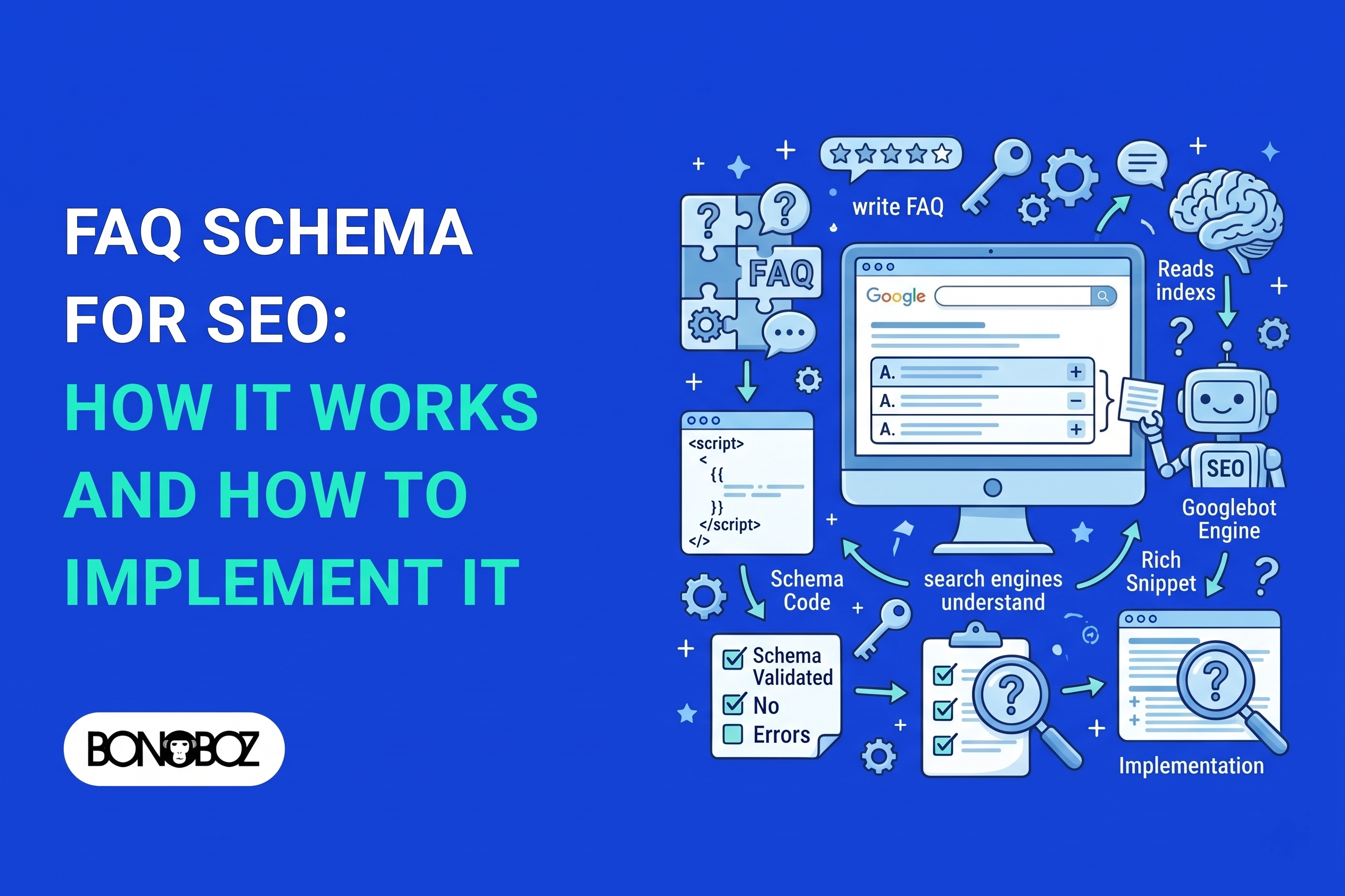
FAQ Schema for SEO: How It Works and How to Implement It

Rahul Mamtani
Many business owners we speak with at Bonoboz feel burned by past agency experiences. You might have paid for expensive “technical optimizations” or received monthly reports full of vanity metrics, only to see zero improvement in actual qualified leads. If you have spent time reading the official google faqpage structured data guidelines, you are likely left wondering whether adding backend code actually moves the needle or if it is just another piece of agency jargon.
Structured data is simply machine-readable code added to a page to describe its content clearly to search engines. Accurate markup helps a crawler interpret what your page is about, but it cannot promise higher rankings, better visibility, or extra leads.
At Bonoboz, we follow this exact approach for all of our SEO clients: solve real prospect questions on the page first, and use code purely to label that content accurately. Here is what FAQ schema actually does, how to implement it correctly, and why realistic expectations matter for your business.
What Is FAQ Schema and How Does It Work?
If your service page answers a common client concern like “What is your typical project delivery timeline?”, FAQPage markup explicitly tells search engines: “This specific text is a question, and the following text is the official answer provided by the business.”
FAQPage is a Schema.org code format designed for pages where the site owner provides both the question and the answer. It connects each question to its accepted answer so search engines do not have to guess how the text is structured.
It does not generate new answers, write copy for you, or guarantee any special visual treatment in search results.
How FAQPage Connects Questions and Answers
Behind the scenes, FAQ schema links two specific elements: the Question (the exact question text) and the acceptedAnswer (your published answer).
For example, if your question is “What is the minimum contract period?”, your accepted answer might state: “Our standard engagements run on a 90-day initial term, followed by month-to-month renewals.” This direct pairing forms the core structure behind google faq structured data.
FAQPage is just one of several google schemas based on open web standards. Its role is straightforward: give search engines a structured way to read Q&A pairs. The faq structured data google reads must strictly match the exact text a human visitor reads on your website.
How Structured Data Relates to Visible Page Content
Most modern websites use JSON-LD to deliver structured data. This format keeps machine-readable code in the backend of the page while human visitors read the clean text on the front end.
JSON-LD identifies the question and answer pairs without altering page layout or wording. Implementing the faq schema google documents will not magically transform your listing into an interactive google faq site result or create a new format out of thin air.
The backend markup must mirror your live page content word-for-word. Search engines use the code to understand context, but code alone does not dictate how Google presents your site to searchers.
What Do the Google FAQPage Structured Data Guidelines Require?
Having valid code and being eligible for a visual search snippet are two entirely separate things. An agency might hand you a report showing “zero code errors,” but that does not mean Google will grant your site extra real estate on the search results page.
To comply with Google’s guidelines, your marked-up questions and answers must be fully visible to visitors, match the page copy exactly, and adhere to general webmaster policies. A code syntax error means your markup is broken; rich result ineligibility simply means Google chooses not to display extra visual features for your site type.
In August 2023, Google officially restricted FAQ rich results almost entirely to well-known, authoritative government and health websites. For standard commercial, SME, and B2B websites, Google rarely displays expandable FAQ drop-downs in search results anymore.
Before investing time in FAQ schema, verify these three basic criteria:
- Human visitors can easily see and read the question and answer on the live page.
- The backend markup accurately reflects the visible text without altering its meaning.
- The overall page complies with standard Google quality guidelines.
The Markup Must Match the Page
A testing tool might flag missing fields in your code, or it might confirm that your code is syntactically perfect even if the content itself violates quality rules.
Either way, your live page must display the same information you put into the code. Do not mark up answers that are hidden from view, and do not tweak backend code to say something different from what human visitors read on screen.
Eligibility Does Not Guarantee a Rich Result
Passing a code validation test simply confirms that a machine can parse your JSON-LD script. It is not a guarantee of special search snippets or higher rankings.
Google retains total control over search display. Before adding any markup, ensure the page itself actually solves a clear problem for your prospective customers.
When Should You Use FAQ Schema on a Page?
If your sales team or customer support desk gets asked the same three questions every day, placing clear answers on your service page makes good operational sense. It reduces friction for buyers and saves your staff time.
Use FAQPage markup only when a page presents publisher-written questions and answers that visitors can readily see. A dedicated FAQ page works well for broad business policies, while a short FAQ section fits naturally on a specific service or product page.
Adding schema to an unhelpful page will not make it perform better. Before writing any code, ask:
- Do these questions address genuine client doubts or sales objections?
- Did your team write clear, helpful answers?
- Are both questions and answers visible to anyone visiting the page?
Do not use FAQPage for user-submitted forums; those require QAPage schema. Above all, avoid building artificially stuffed FAQ sections filled with forced keywords just to manipulate search engines. Irrelevant FAQs annoy visitors and do nothing for lead quality.
How Do You Write FAQ Content That Helps Readers?
A vague question like “Pricing?” does not give a prospect useful information. “What factors determine the total project cost?” addresses a real business concern and leads directly to a helpful answer.
Build each FAQ around real customer inquiries from your sales calls, support tickets, or onboarding meetings.
- Address genuine friction: Focus on specific points where prospects usually hesitate, such as timelines, scope boundaries, or deliverables.
- Be direct: Give the core answer in the first sentence. Follow up with necessary context, but keep it concise.
- Skip the sales pitch: Readers look at FAQs for clear facts, not marketing hype. Answering honestly builds more trust than pushing a hard sell.
Clean, informative copy helps visitors take the next step. Write your visible content for human decision-makers first; the code simply tags what is already there.
How Do You Implement FAQ Schema Markup?
Finalize and publish your visible copy before writing any schema code. This prevents discrepancies between what human visitors read and what search engine crawlers see.
We follow this exact workflow in our SEO Services at Bonoboz to keep technical implementation clean and maintenance simple.
A standard JSON-LD structure looks like this:
{“@context”:”[https://schema.org](https://schema.org)”,”@type”:”FAQPage”,”mainEntity”:[{“@type”:”Question”,”name”:”What is your standard project delivery timeline?”,”acceptedAnswer”:{“@type”:”Answer”,”text”:”Most standard engagements take between 4 to 6 weeks from kickoff to final deployment.”}}]}
Whether your developer adds code manually or you use a CMS plugin, always review the live page source. Never mark up hidden text, outdated policies, or copy-paste the same FAQ schema across multiple unrelated pages.
How Can You Test and Validate FAQ Schema?
Validation tools verify whether your code is readable, not whether your page will rank higher or get more clicks.
When you run a tool to test faq schema, use the Schema Markup Validator to check Schema.org structure and syntax, and Google’s Rich Results Test to check Google-specific feature eligibility.
Keep this validation checklist handy:
- Test the live, published URL rather than a staging draft.
- Compare every line of code directly against the visible page content.
- Retest the page whenever you update your website theme, CMS, or plugin setup.
How Should You Monitor or Remove FAQ Schema?
Business details change over time. If you update your service terms, pricing structures, or turnaround times, your visible text and backend schema must be updated together.
Outdated schema creates technical discrepancies where your code says one thing and your website says another.
- Sync code with copy: Update backend markup whenever front-end answers are edited.
- Review Search Console: Keep an eye on Google Search Console for technical code errors, but do not worry if rich result impressions remain zero.
- Remove obsolete code: If a page redesign removes an FAQ section, delete the corresponding JSON-LD script immediately.
Does FAQ Schema Still Matter for SEO in 2026?
Let’s be direct: FAQ schema is not a secret growth hack, and it will not dramatically boost your organic lead volume on its own. Since Google restricted FAQ visual snippets in August 2023, the promise of acquiring extra SERP real estate through FAQ markup no longer applies to most commercial sites.
However, structured data still serves a fundamental technical purpose. It helps search engine crawlers parse content relationships clearly without guessing. It is basic technical hygiene, not a standalone strategy.
Focus your energy where it actually counts: answering real customer doubts, removing sales friction, and presenting your services transparently. Accurate code simply labels that effort for machines.
Good SEO is about clarity, accuracy, and building trust with potential buyers. Focus on creating clear, useful content that answers real prospect questions on the page. Once that content is live and visible, add accurate schema markup to describe it cleanly to search engines.
Start by auditing one core service page. Review its visible FAQs to ensure they address actual sales objections, and confirm that any backend schema matches that content without errors or omissions.
Frequently Asked Questions
1. Does FAQ schema guarantee a rich result in Google?
No. Valid FAQ schema only confirms that your code is formatted correctly. Google decides whether to show visual features based on site authority, page context, and broad search policies. For most business and SME websites, FAQ rich results are no longer displayed.
2. Can I use FAQPage markup for questions with user-submitted answers?
No. FAQPage is strictly for publisher-provided content where your business writes both the question and the answer. For forums, community boards, or Q&A platforms where users submit responses, use QAPage markup instead.
3. Does adding FAQ schema improve rankings?
No. FAQ schema is a technical labeling tool, not a direct ranking signal. It helps search engines parse page context, but it will not push a page higher in search results on its own. Helpful content, site performance, and overall domain authority remain the primary ranking drivers.
4. Can I mark up FAQs that are hidden in an accordion?
Yes, provided human visitors can easily open the accordion and read the text on the page. The backend code must match the visible text. Never hide text from human visitors while including it in backend code solely for search engines.
5. Which tool should I use to test FAQ schema?
Use the Schema Markup Validator to check general Schema.org code syntax, and Google’s Rich Results Test to inspect Google-specific eligibility. Passing these tests confirms clean code, but it does not guarantee visual enhancements or higher rankings in search results.
6. Should I keep FAQ schema if Google does not show an FAQ rich result?
Yes, as long as the markup accurately reflects visible, published content on the page. Clean structured data helps search engines understand your site’s technical structure. However, if you remove or significantly alter the visible FAQ content, make sure to update or delete the matching schema code.
Related Articles:
- SEO for Fashion Ecommerce: Strategies to Drive More Organic Sales
- Why SEO Impressions Matter for Long-Term Business Growth?
- What Are Backlinks? A Practical Guide to Link Building for Indian Brands
Rahul Mamtani
Rahul is an SEO Expert with over 6 years of experience in search engine optimization, helping businesses improve their online visibility, organic traffic, and search rankings. His expertise includes technical SEO, keyword research, on-page and off-page SEO, local SEO, and content optimization. He focuses on data-driven strategies and practical SEO solutions that help websites attract relevant audiences and achieve sustainable organic growth.