
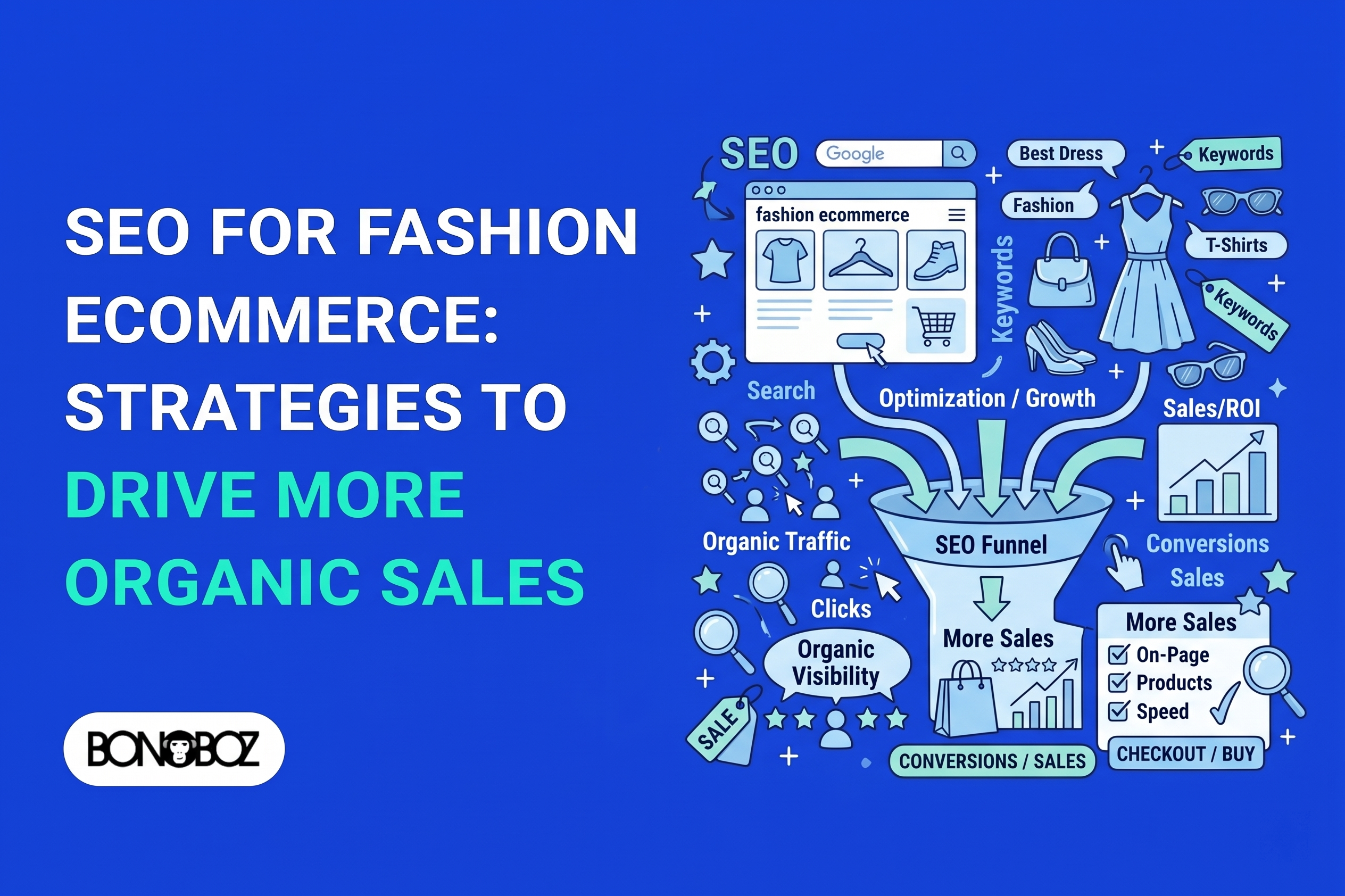
A shopper looking for a specific cut, fabric, or occasion begins their buying journey on a search engine. They are not looking for marketing hype; they are looking for a product that fits a immediate need. SEO for fashion brands is about ensuring your store appears cleanly and accurately when those relevant searches happen. It brings shoppers to pages where they can evaluate products, check sizing, and decide whether to purchase.
Many store owners come to us asking what is seo in digital marketing after spending money on agencies that promised top rankings in 30 days and delivered empty traffic spikes. Search engine optimization is not a trick, nor is it a guarantee of sales. It is the ongoing technical and content work required to connect real shopping intent with accessible, well-stocked product pages. At Bonoboz, we do not sell instant rankings or vanity metrics; this practical, intent-first framework is the exact approach we follow for all our SEO clients across the fashion sector.
Success requires steady work, and results depend on your actual product inventory, store structure, and competitive landscape. Effective organic performance starts with matching search intent to clear, fast-loading pages.
How SEO for Fashion Brands Connects Searchers With the Right Products
A person searching for a “men’s white linen shirt” and someone searching for “summer vacation outfit ideas” require completely different landing page experiences. Match the intent by directing each shopper from search results to a relevant category page, product page, or guide. High traffic figures mean nothing if visitors arrive at a page that does not offer what they expected.
For Ecommerce SEO, the goal is straightforward: build a direct, intuitive path from query to product. Effective fashion seo removes friction from that journey. Strong fashion ecommerce seo supports a store by making useful pages easy to find without misleading the visitor.
Real seo for fashion relies entirely on the products and stock options a store actually holds. Across the seo for fashion industry, from small independent labels to enterprise retailers, putting customer intent ahead of raw traffic totals is the only way to generate meaningful revenue. If you are building a strategy around seo for clothing company growth, your first step is identifying the exact terms your target customers use.
Find Fashion Search Terms That Match Shopping Intent
Start with the natural language shoppers use to find products, not internal collection names created by your design team. Customer wording provides a far reliable foundation for search optimization than internal branding labels. Assign one primary shopping intent to each planned page, then incorporate natural variation terms naturally.
Review search suggestions and actual search engine results pages (SERPs) for your product lines. Search suggestions show common phrasing, while existing results reveal whether search engines expect a guide, category page, or individual product listing. A query like “what to wear to a monsoon wedding” indicates an inspiration search. “Navy blue cotton kurta size M” points directly to a purchase-focused search.
Separate inspiration searches from purchase-ready searches
Group search queries by what the user wants to accomplish:
- Browsing/Inspiration: Shoppers looking for outfit ideas need styling guides, articles, or curated lookbooks.
- Direct Purchase: Shoppers searching for specific cuts, materials, or sizes need a direct route to a product page with inventory in stock.
Look for search modifiers that refine product intent:
- Material: Linen, combed cotton, silk, chiffon
- Fit: Relaxed, slim, oversized, tailored
- Color and Size: Specific variations
- Occasion: Office wear, festive, weddings
- Season: Monsoon, winter, summer
Map search terms to the right landing pages
Map one primary intent to the most suitable page on your site. A single well-structured category page can cover several closely related search terms if shoppers expect to see the same group of products. A specific product page should serve a narrower, high-intent query. Avoid creating thin, separate pages for every minor wording variation.
Duplicate or near-identical pages targeting tiny variations confuse search engines and split your page authority. Always check what page types already rank for a search query before creating new destinations.
Build Category Pages Around How People Shop
A shopper should understand what a category contains within seconds of arriving. Clear organization helps visitors scan your catalog and helps search engine crawlers understand your product hierarchy. Build category pages around distinct, high-demand product groups rather than endless filter combinations.
A clear store hierarchy moves logically: Women’s Wear > Ethnic Wear > Sarees > Chanderi Sarees. Keep navigation labels simple and consistent across your headers, footers, and page headings. If your brand sells both garments and accessories, keep those categories clearly separated.
Organize categories around clear product groups
Give each category page a descriptive title tag and a clean main heading (H1). A brief, helpful introductory text block can explain the collection, such as available cuts, weaves, or sizing notes. Avoid writing long, generic paragraphs of keyword-stuffed text that push the product grid below the fold.
On-page optimization begins with readability, clean navigation paths, working links, and fast page load times. These technical choices drive organic traffic while helping shoppers find the right products without frustration.
Handle filters and near-duplicate URLs deliberately
Faceted navigation (filters for size, color, material, and price) helps shoppers narrow down choices. However, every selectable filter combination can generate a unique URL. If search engines crawl and index thousands of these filter URLs, it dilutes your site’s search performance and wastes crawl budget on empty or low-stock pages.
Index a filtered page only when it serves a clear, recurring search query and has consistent inventory (e.g., “Red Linen Dresses”). Use canonical tags or noindex directives to control parameter URLs that offer little search value or contain single items. Use filters for shopping usability first, and manage search engine indexation second.
Turn Product Pages Into Search-Ready Buying Pages
A product page must answer every practical question a customer has before they choose a size and add an item to their cart. Clear, accurate details help shoppers judge fit, fabric weight, and care requirements without second-guessing.
Give every product a clear, descriptive title. Write concise copy explaining how the garment fits, where it falls, and what sets the material apart. Avoid using generic manufacturer or supplier descriptions across your catalog; duplicated text gives neither shoppers nor search engines a reason to choose your store over a competitor.
Write useful copy for each product and variant
Include fabric composition, care instructions, fit guidance (e.g., “runs small, consider sizing up”), and model height/size details.
If product color variants share the same core details and stock management, keep them on a single product page with selector toggles rather than creating separate URLs for every color. Splitting variants across multiple pages often leads to thin content that competes with itself in search results.
Keep price, availability, and product details consistent
Display accurate pricing, real-time stock levels, and precise product specifications. If a size or variant is out of stock, mark it clearly on the page before the customer reaches checkout. Advertising out-of-stock items wastes visitor time, increases bounce rates, and damages brand credibility.
Consistent, detailed product information supports steady organic growth without relying on exaggerated claims or aggressive sales pitches.
Fix Technical SEO Issues That Block Fashion Stores
A fully optimized product description cannot attract search traffic if search engine crawlers cannot discover or index the page. Technical accessibility forms the foundation of any search strategy.
Review your XML sitemap to ensure it lists only active, high-priority canonical pages. Check your robots.txt file to verify that essential category or product templates are not accidentally blocked from crawlers. Canonical tags signal the preferred version of duplicate or variant URLs, but they are not a substitute for clean site structure.
Make important pages crawlable and indexable
Confirm that internal links function properly and key pages return standard HTTP 200 status codes. Implement proper 301 redirects when discontinuing old product lines, directing traffic to the most relevant active category.
Use this triage list to spot technical barriers on your store:
- Audit main product and category templates for crawler accessibility.
- Verify indexing signals, XML sitemap entries, and robots.txt rules.
- Test mobile navigation, filter functionality, and checkout flow.
- Clean up broken links, redirect chains, and redundant parameter URLs.
Improve mobile usability and page performance
Most fashion ecommerce browsing in India takes place on mobile devices. Heavy, uncompressed product imagery and bloated scripts slow down mobile page loading, frustrating users and reducing conversions. Compress image files and streamline client-side code while maintaining sharp visual product details.
Fix technical and usability barriers on your core templates before spending resources on additional outreach or complex campaigns.
Publish Content That Helps Shoppers Choose
Shoppers evaluating fabrics, fits, or styling options often need practical guidance before making a buying decision. Problem-solving content answers these pre-purchase questions and naturally connects readers to your commercial product pages.
Focus on practical, high-utility formats:
- Buying Guides: Compare performance across materials (e.g., Cotton vs. Linen for hot climates).
- Garment Care Articles: Provide step-by-step instructions for washing, drying, and storing delicate fabrics.
- Occasion Edits: Group suitable looks for specific events or dress codes.
- Fit Explainers: Explain how different cuts drape and fit various body types.
Write direct, honest advice without filler text. Link relevant articles naturally to related category pages, and link category pages back to care guides where applicable. Publishing a small number of thorough, helpful resources provides far more value than churning out dozens of thin, repetitive blog posts.
Make Fashion Images Discoverable in Search
Visual presentation is critical for fashion retail. High-quality imagery shows texture, stitch detail, and silhouette better than descriptive text alone. Modern search engines rely on a combination of file naming, surrounding text, and structured data to interpret visual assets.
Use descriptive, literal file names (e.g., mens-blue-cotton-kurta-front.jpg) instead of generic camera outputs (IMG_0042.jpg). Write accurate, literal alternative text (alt text) for key product images.
Describe informative images with useful alt text
Provide multiple clean product views: front, back, fabric close-up, and styled on a model. Alt text should state clearly what the image displays, “Front view of women’s green chanderi silk saree”, rather than listing a series of target keywords.
Balance image quality with page performance
Compress image files using modern web formats (such as WebP or AVIF) to lower page weight while retaining visual clarity. Test how images load on standard mobile connections to ensure fabric details remain sharp without compromising loading speed.
Adapt SEO to India’s Shopping Calendar and Local Store Needs
Fashion demand across India moves alongside regional festivals, wedding seasons, and distinct weather patterns. Your search optimization plan should reflect these actual buying cycles rather than relying on a static, generic content schedule.
Maintain permanent, evergreen seasonal category pages (e.g., Festive Wear or Winterwear) that remain live year-round, updating inventory as seasons shift. Creating brand-new URLs for every seasonal campaign dilutes accumulated page authority over time.
Before running seasonal or location-focused campaigns:
- Verify stock availability before optimizing or promoting seasonal landing pages.
- Keep physical store addresses, opening hours, and contact details accurate across local directories and search profiles.
- Create location-specific pages only for cities or regions where you operate physical stores or localized fulfillment centers.
Earn Relevant Links and Brand Mentions
External references and editorial mentions from reputable publications signal domain authority to search engines. However, paying for low-quality link packages or participating in artificial link exchanges violates search engine guidelines and risks algorithmic penalties.
Focus on earning natural editorial links through genuine industry activity: publishing original styling guides, sharing expert garment care insights, collaborating with design partners, or securing press coverage for notable brand milestones.
Evaluate link opportunities using clear criteria:
- Audience Relevance: Does the referring site cater to fashion, lifestyle, or retail readers?
- Editorial Standards: Is the content independently produced and genuinely read by real people?
- Contextual Fit: Does citing your store or guide make logical sense within the article?
A small number of contextual references from respected fashion or retail sources offers far more long-term value than hundreds of links from low-quality, unrelated directories.
Measure Organic SEO Performance and Prioritize Fixes
Evaluating search performance based purely on organic traffic totals is misleading. If traffic increases while sales remain flat, your search strategy is attracting mismatched visitors or sending them to out-of-stock pages.
Track search visibility alongside conversion metrics: search impressions, clicks, click-through rates (CTR) on intent-driven queries, landing page conversion rates, and total organic revenue.
Prioritize fixes in a logical order:
- Access Blockers: Resolve crawl errors or indexation blocks affecting main product or category pages.
- Low-CTR Opportunities: Improve titles and meta descriptions for pages that generate high impressions but low click-through rates.
- Intent Mismatches: Refine content on pages that attract traffic but suffer high bounce rates due to mismatched expectations.
- Inventory Gaps: Ensure top-performing organic landing pages feature available, buyable products.
Focus on fixing access and conversion barriers first before creating new pages or expanding campaign reach.
Grounded Takeaway
Search engine optimization for a fashion brand is not about finding shortcuts or chasing algorithm updates. It comes down to site architecture, technical health, clear product data, and a thorough understanding of how your customers search for clothes.
Select one primary category in your catalog today. Audit its navigation path, verify that its landing page copy addresses real customer questions, test its loading speed on a mobile device, and ensure the featured items are fully in stock. Methodical, practical improvements to your core commercial pages will consistently outperform high-volume, low-quality publishing strategies.
FAQs
1. How long does SEO take to bring organic visits to a fashion store?
There is no fixed timeline for search optimization results. Progress depends on your site’s technical health, domain history, current crawlability, competitive strength in your specific product niche, and how quickly you implement necessary site changes. Track specific landing pages consistently over several months, taking note of seasonal inventory shifts and site updates.
2. How many keywords should one product page target?
A product page should focus on one primary shopping intent and its natural phrasing variations. For example, a page for a blue linen shirt naturally incorporates details about fabric weight, fit, sleeve length, and color. Do not create separate product pages for minor phrase variations. Shoppers need one clear, detailed page with available variants, not multiple near-identical pages.
3. Should an out-of-stock fashion product page stay online?
If a product is temporarily out of stock but will be replenished, keep the page live. State clearly that the item is out of stock, offer a restock notification sign-up, or recommend similar active products. If a product is permanently discontinued, implement a 301 redirect to the closest equivalent item or parent category page. Avoid redirecting discontinued items to unrelated products or generic homepages.
4. Do product images need alt text for SEO?
Yes, meaningful product images require accurate, literal alt text to support web accessibility for visually impaired users and provide context to search engines. Describe what is visible in the photo, such as “Back view of tailored black linen blazer”, rather than listing target keywords. Purely decorative design elements should use empty alt text tags (alt=””).
5. Can a fashion store use the same product in multiple categories?
Yes, displaying a single product across multiple relevant categories (e.g., both “New Arrivals” and “Linen Shirts”) is standard practice. Ensure your store uses a single, consistent canonical URL for the main product page so search engines do not treat these category paths as separate duplicate pages.
6. Does every fashion brand need local SEO?
Local SEO is primarily relevant for fashion brands that operate physical retail locations, pop-up stores, or localized showroom services. Stores with physical locations should maintain accurate Google Business Profiles and local store pages. Online-only brands should not create generic city pages for areas where they have no physical presence or localized operations, as this creates thin, low-value content.
Related Articles:
- Why SEO Impressions Matter for Long-Term Business Growth?
- What Are Backlinks? A Practical Guide to Link Building for Indian Brands
- 2016 to 2026: How SEO Has Transformed Over the Past Decade

Ritika Bisht
Ritika Bisht is a UI/UX designer with over 2 years of experience designing websites and digital experiences. She enjoys figuring out how to make websites not just look good but also feel simple and easy to use. Her work involves thinking about how content is presented, how people navigate a website, and how small design choices can make the overall experience better. Through her blogs, she shares her thoughts on UI/UX design, website design and creating digital experiences that work well for the people using them.